Zid Chatbot Integration: Setup and Buying Guide
A strong Zid chatbot integration is not just a WhatsApp icon. A button starts a chat. A real chatbot answers from your products, policies, order data, and escalation rules.
Zid already offers Zid WhatsApp, a built-in service for official WhatsApp API communication, including direct conversations, order notifications, marketing campaigns, and customer reactivation.Zid WhatsApp overview That is useful, but it does not automatically make your store support “AI-ready.” If customers ask “Where is my order?”, “Can I exchange this?”, or “Which product should I choose?”, the bot needs store knowledge, not generic replies.
Contents
- When Zid WhatsApp is enough
- Zid chatbot integration requirements
- What data the chatbot needs
- Step-by-step setup
- Testing before launch
- FAQ
When Zid WhatsApp is enough
If you need order confirmations, shipping updates, abandoned-cart reminders, review requests, or simple campaigns, Zid WhatsApp may be enough. Zid lists automated replies, order notifications, product offers, abandoned carts, review requests, order confirmation, and reactivation campaigns as WhatsApp use cases.Zid WhatsApp overview
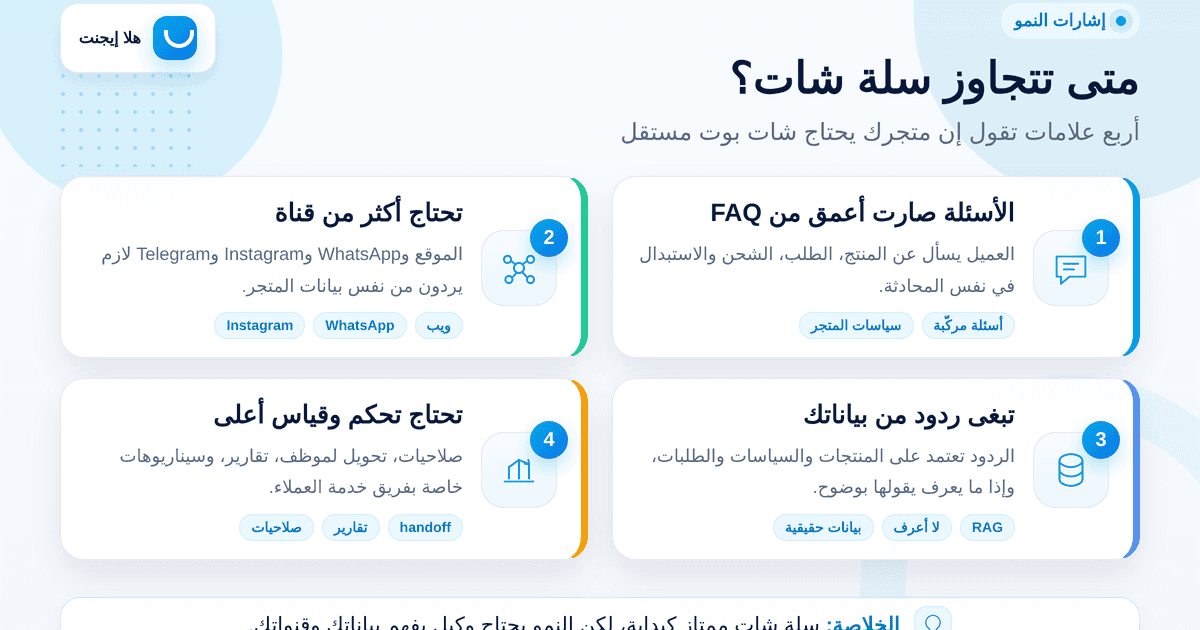
You need an AI chatbot when support becomes more than templates: repeated product questions, return-policy questions, order-status pressure, Arabic dialect queries, and handoff to a human agent. The best setup is often not “native or third-party.” It is Zid as the store system, WhatsApp as the channel, and an AI agent as the answer layer.
For the wider strategy, read the Arabic AI customer service guide for Saudi stores. If your team is comparing WhatsApp automation around Salla, see the Arabic Salla WhatsApp auto-reply guide.
Zid chatbot integration requirements
1. Zid permissions and OAuth
Zid’s Merchant APIs cover orders, products, inventory, shipping, customers, store settings, and webhooks.Zid Start Here Zid’s OAuth documentation says its flow uses authorization code grant, and that apps must run server-side because the Client Secret must be stored securely.Zid Authorization
A serious provider should not ask for your dashboard password. It should request clear permissions and use only the scopes needed for the chatbot.
2. An official WhatsApp channel
If the bot will operate on WhatsApp, use Zid WhatsApp or another official WhatsApp Business Platform setup. WhatsApp’s pricing page says businesses are charged when messages are delivered, and pricing depends on recipient market and message category. The four categories are marketing, utility, authentication, and service.WhatsApp Business Platform Pricing
Zid’s WhatsApp template guide explains that templates include marketing, service/transactional, and authentication messages, with Meta review for certain templates.Zid WhatsApp templates Meta also requires businesses to obtain opt-in before messaging people on WhatsApp with business-initiated messages.Meta opt-in documentation
3. Webhooks for live changes
Zid Webhooks send real-time updates for events such as order creation, order-status updates, payment-status changes, product updates, abandoned-cart events, and customer events.Zid Webhooks Conditions can be used for some order events, including status and payment method such as Cash On Delivery.Zid Webhooks
This is what keeps the chatbot from giving old answers about stock, shipping, or order status.
4. Privacy and PDPL readiness
A chatbot may process names, phone numbers, order IDs, addresses, and chat history. Saudi Arabia’s PDPL regulates personal data processing and data-subject rights.SDAIA PDPL SDAIA’s transfer regulation also discusses safeguards and risk assessments for certain transfers of personal data outside the Kingdom.SDAIA Transfer Regulation
Ask where conversations are stored, who can access them, how long they are retained, and whether they can be deleted.
What data the chatbot needs
Retrieval-augmented generation, or RAG, connects an AI model to external knowledge bases so answers can be grounded in relevant information.IBM RAG overview
For a Zid store, prepare:
- Product data: titles, descriptions, prices, variants, stock, sizes, ingredients, and usage notes.
- Policies: shipping, returns, exchanges, warranty, COD, payment methods, and unsupported areas.
- Order data: order number, payment status, preparation status, courier, tracking link, and last update.
- Real questions: WhatsApp chats, Instagram DMs, tickets, and common objections.
- Handoff rules: when the bot should say “I don’t know” and when it should escalate.
Do not reward confident guessing. A commerce bot should never invent delivery dates, discounts, refund rules, or product claims.
Step-by-step setup
Step 1: Choose three launch use cases
Start with product questions, order status, and shipping/return policies. Do not begin with large campaign automation before support answers are reliable.
Step 2: Connect the store data
Decide whether the chatbot will use a ready Zid app, OAuth/API access, or a temporary knowledge document. API access is better for stores with changing products and orders because Zid’s Merchant APIs cover the key store resources.Zid Start Here
Step 3: Enable the right webhooks
Enable order, product, customer, and abandoned-cart events. Zid’s Create Webhook endpoint accepts a target URL, event, conditions, and authentication details, with Authorization and X-Manager-Token headers in the example request.Zid Create Webhook
Step 4: Configure WhatsApp rules
Set template categories, opt-in capture, opt-out handling, and the customer-service window. If a provider cannot explain these clearly, do not put your WhatsApp number at risk.
Step 5: Write answer boundaries
Tell the bot what it must not do: no fake discounts, no policy changes, no delivery promise without source data, no sensitive-data collection unless needed, and no confident answer when the knowledge base does not support it.
Step 6: Test messy Saudi Arabic
Use real phrasing: “وين طلبي؟”, “يوصل بكرة؟”, “اقدر ابدل؟”, “العرض باقي؟”, and “ابي موظف”. Clean demo questions are not enough.
Testing before launch
Create a 30-question test set from real customer messages. Include typos, slang, angry customers, incomplete questions, and edge cases. Score each answer as correct, incomplete, needs handoff, or risky.
If the bot fails on order status or return policies, do not launch it on WhatsApp yet. Start on the website, fix gaps, then expand to WhatsApp and campaigns.
Where Hala Agent fits
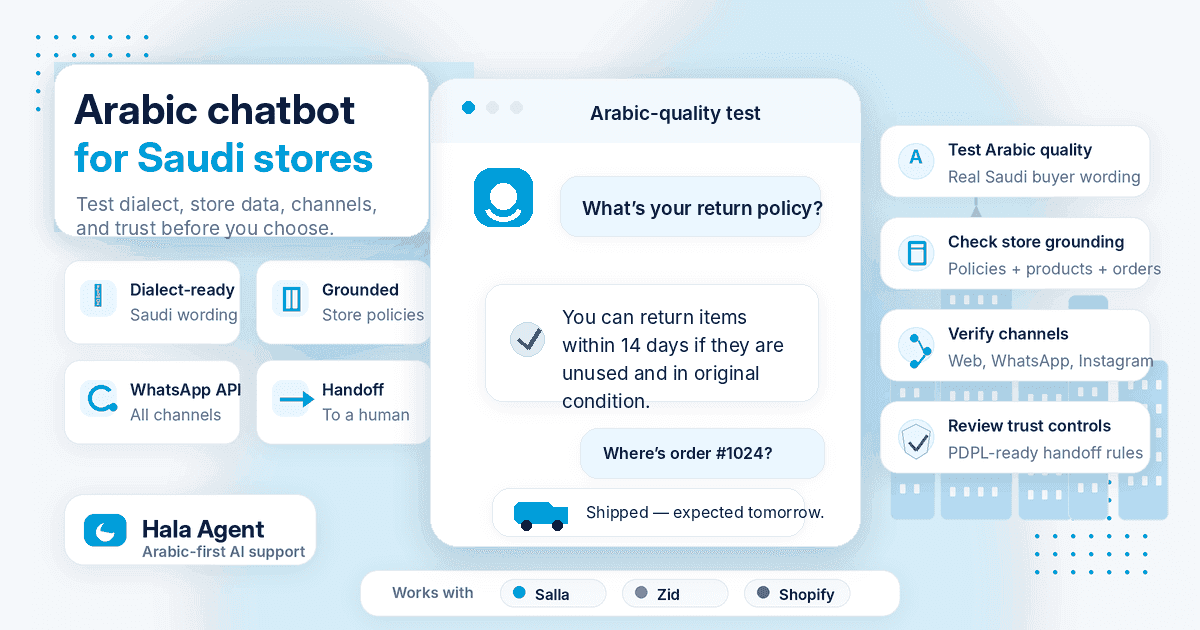
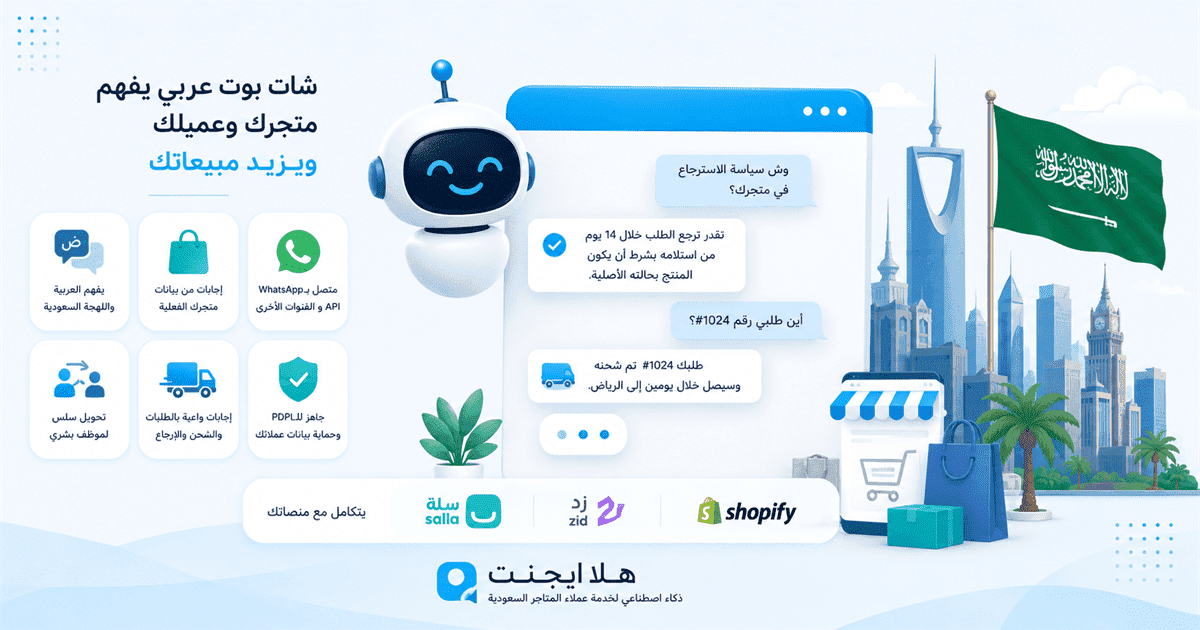
Hala Agent answers Arabic questions from configured products, policies, and documents across website chat, WhatsApp, Telegram, and Instagram DMs. Zid merchants can curate or export content into that knowledge, but native Zid synchronization, live order access, and automatic staff handoff are not currently offered. Keep Zid WhatsApp or the store system responsible for notifications, orders, and team workflows.
If your store only needs a simple WhatsApp entry point, keep it simple. If you get repeated daily questions, product-comparison requests, order-status pressure, and policy questions, a Zid chatbot integration becomes an operations decision.
Want to prepare your products and policies for an Arabic agent? Prepare your Zid store knowledge for Hala Agent
FAQ
Does Zid already provide WhatsApp?
Yes. Zid WhatsApp is a built-in Zid service for official WhatsApp API communication, including order notifications, campaigns, and customer reactivation.Zid WhatsApp overview
Do I need AI if I already use Zid WhatsApp?
Not always. For notifications and simple templates, Zid WhatsApp may be enough. For product-aware, policy-aware, and order-aware replies, AI is a better fit.
Can the chatbot read Zid order status?
Yes, if it has the right permissions or receives updates through webhooks. Zid Webhooks include order creation, order status updates, and payment status updates.Zid Webhooks
What is the difference between a WhatsApp icon and a chatbot?
A WhatsApp icon opens a chat. A chatbot interprets the question, checks store knowledge, answers, or escalates.
Can the bot send marketing campaigns?
Technically yes through WhatsApp Business Platform, but you need opt-in, approved templates, category discipline, and current pricing awareness.WhatsApp Business Platform Pricing
Is Zid chatbot integration PDPL-safe?
It depends on implementation. Review storage, retention, deletion, access control, data minimization, and subprocessors.SDAIA PDPL
How long does setup take?
It depends on data readiness. Clean product data, clear policies, and enabled WhatsApp make setup much easier.
Sources
- https://help.zid.sa/whatsapp-overview/
- https://help.zid.sa/whatsapp-2/
- https://docs.zid.sa/start-here
- https://docs.zid.sa/authorization
- https://docs.zid.sa/webhooks
- https://docs.zid.sa/create-a-webhook
- https://whatsappbusiness.com/products/business-platform/
- https://whatsappbusiness.com/products/platform-pricing/
- https://developers.facebook.com/documentation/business-messaging/whatsapp/getting-opt-in
- https://developers.facebook.com/documentation/business-messaging/whatsapp/templates/overview
- https://www.ibm.com/think/topics/retrieval-augmented-generation
- https://sdaia.gov.sa/en/SDAIA/about/Documents/Personal%20Data%20English%20V2-23April2023-%20Reviewed-.pdf
- https://dgp.sdaia.gov.sa/wps/wcm/connect/e5bbede0-1119-4f70-b4ef-f043ce58d780/Regulation%2Bon%2BPersonal%2BData%2BTransfer%2BOutside%2Bthe%2BKingdom..pdf?CACHEID=ROOTWORKSPACE-e5bbede0-1119-4f70-b4ef-f043ce58d780-p6OMj1M&CONVERT_TO=url&MOD=AJPERES
Let Hala Agent answer customers automatically
Connect your store and WhatsApp, then let an AI support agent answer customers around the clock.
Start free